Resonance
A downloadable game
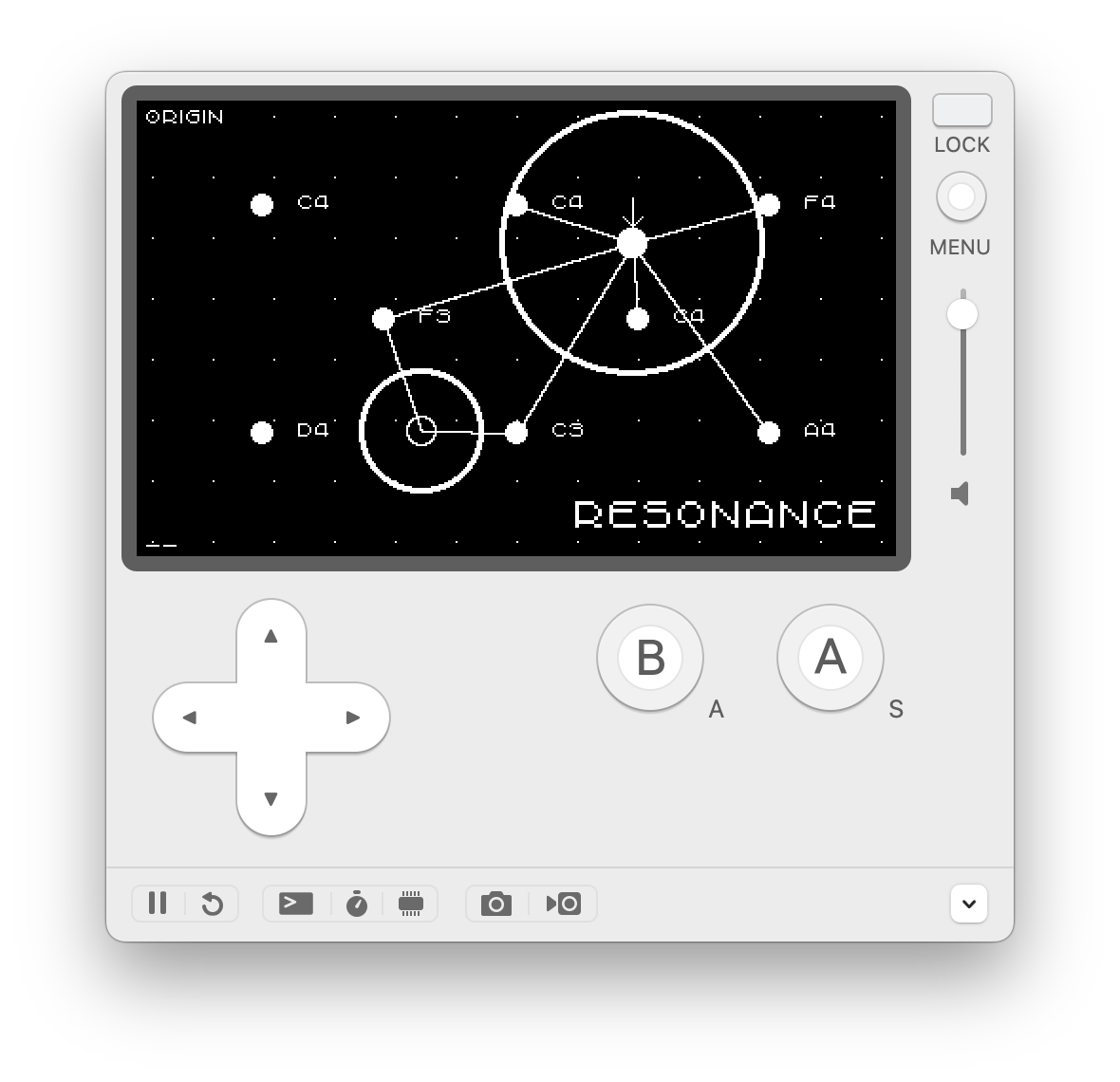
An instrument for playing drones on the Playdate.
Use Headphones
You really need to hook up the Playdate to an external speaker or headphones to use Resonance. It's called Resonance for a reason, the Playdate's tiny speaker isn't going to like a few sine waves interacting.
Controls
Main Menu
The Playdate menu button will show a 'patches' menu. From here you can load in various presets, or save/load/delete your own patches.
Global Menu
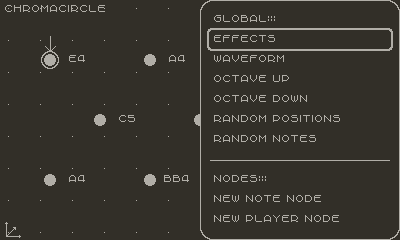
A global menu is available by holding down B then pressing A - it's a simple gesture that allows a menu to be displayed without invoking the Playdate's main menu and system sound. From the global menu you can set the waveform of all the note nodes, randomise a patch and apply effects (delay and a low pass filter) and add new note and player nodes.
Player Nodes
Tapping A will step through the 'player nodes'. Player nodes cause note nodes to emit a sound when they get close, you can manually move player nodes around note nodes to use Resonance as an instrument.
Turning the crank will change how far a player node influences note nodes.
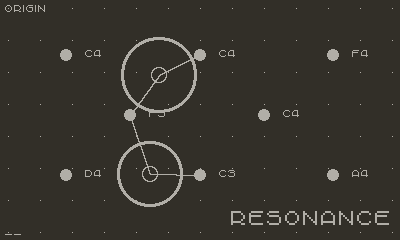
Long-pressing A will bring up a context menu where you can set 'orbits' and 'oscillators'. An orbit is just a circle path, an oscillator is a straight line, with these you can create simple sequences.
Note Nodes
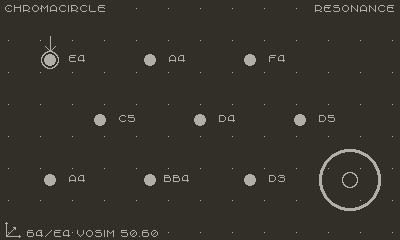
Tapping B steps through the 'note nodes' selecting each in turn. When selected you can use the D-pad to move a node. Long-pressing B shows a context menu that lets you edit the waveform for a node individually, or remove it from the patch. The crank will change the midi note of a selected note node.
Waveforms
As well as the usual sine, triangle, saw, and square waveforms there are three Pocket Operator synth sounds. These three synths make use of the in-built accelerometer to change aspects of the sounds (turn the accelerometer on in the popup menu: hold (B) then press (A)) - try them out and wave the Playdate around...
Effects
There's a full suite of effect in the popup menu. The low pass is great when the Playdate is connected to an external speaker. Be careful with the delay when used with the overdrive...
Serial Interface
You can control Resonance from a web browser using the page at: https://orllewin.uk/resonance/ Connect your Playdate to your computer via USB (from 1.0.6 onwards), open the page in Chrome, toggle the Playdate screen on and off again (button at the top of the device) then click Request USB Access.
Open Source
Resonance is Open Source, if you know Lua and want to contribute the repository is at: https://github.com/orllewin/resonance
Purchase
In order to download this game you must purchase it at or above the minimum price of $10 USD. You will get access to the following files:
Development log
- Resonance 1.0.6Nov 16, 2025
- Resonance 1.0.5Jul 14, 2025
- 1.0.2 bug fixJun 20, 2025
Comments
Log in with itch.io to leave a comment.
Loving this! I’m enjoying the possibilities. Here are some observations:
Bugs:
- hold A or B to open a note or player menu, then press the play date menu button and open the the ‘patches’ menu. Both the notes/player menu and the ‘patches’ menu are visible and overlap.
- changing parameters of a player can cause another player to change parameter (orbit size mostly).
- sometimes orbits don’t follow their paths
- very hard to dial in the velocity parameter with the crank
Improvements:
- Please allow for much slower velocities. Ambient/drone benefits from very slow gradual changes. Currently, I find myself only using the very slowest settings for velocity, and I’d like it to go even slower, with more definition in the slow range.
- It would be nice to have the LFO mode have control over both X & Y position as opposed to just X.
- It would be great to be able to set the LFO AND Orbit of a player, not just one or the other
Thanks for this! I’m really liking it. I hope you plan on adding more features and such. I could go on with more thoughts and ideas … but I’ll just leave this here for now.
I’m really loving playing with this! One issue I’m encountering is that it’s challenging to pick the note that I want because the crank is very very sensitive. When I barely touch it, moving it almost imperceptibly, the note changes. If it were like ten times less sensitive, I bet that’d be perfect.
By the way, I’m going to attach it to my bike and rig it up with a speaker for tonight’s Bleeps and Bloops bike ride in Portland!
I agree with this - I’ll make it so the change delta is bigger for notes changes - give me a couple of days and a new release will have it in.
Extremely jealous of the mobile DAWless bikes!
Added it straight away, try 1.0.3, the crank should be less sensitive for note changes now.
Hi! You’ve got an error right now in your pdxinfo file that prevents Resonance from sideloading successfully. It’s just missing an = in the Description line.
I was able to edit it locally and make it work, but you probably want to do that for everybody on your end!
oh dear - not a good start! thank you, uploading a new version now.